It drafts a plan.
You approve it. Then it writes code.
PounceCode is a native macOS coding agent with a hard stop built into the middle of it. Ask for something substantial and it does not start typing — it comes back with a numbered plan and waits. You edit the steps, drop the ones you did not want, mark the ones worth pausing at, and only then does it touch a file.
brew tap pounceapps/tap && brew install --cask pouncecode
Native Wails app · signed and notarized by Apple · no accounts, no subscription, no telemetry.
Why a plan step at all
A one-shot agent is a bet: you describe the job, it disappears for four minutes, and you find out what it decided afterwards — by reading a diff. The expensive mistakes are the ones made in the first thirty seconds, and that is exactly when nobody is looking.
The plan is a separate call
Planning does not happen mid-conversation. It is its own model call with a clean context, because a model asked to "write your plan" halfway through a turn ratifies whatever it already intended to do.
The gate is in the registry
While a plan is held, every write tool is refused at the point of execution — not by asking the model nicely in a prompt. A model that skips the task board and reaches straight for write_file still gets stopped.
Checkpoints, not just a start gun
Approving is not a blank cheque. Mark any step as a checkpoint and the run stops there for another look. Steps that delete, deploy, push or drop get marked for you.
Thirty-nine tools, and it only loads what it needs
Files, edits, shell, git, background processes, databases, SSH, CSV import, image reading, web fetch, document export. Handing all of them to a model at once is how a small model ends up picking the wrong one, so PounceCode keeps most of them behind named groups and lets the model ask for a group when the work calls for it.
| Group | What it covers | Loaded |
|---|---|---|
core | Task board, file read/write, edits, shell, git, host probing | always |
documents | Export a finished artefact as Markdown, PDF, DOCX or HTML | always |
web | Search and page fetch | on demand |
process | Start, check, stop and list background processes | on demand |
csv | Preview a CSV, import it into SQLite | on demand |
image | Read an image so the model can look at it | on demand |
databases · ssh | Query databases and run on hosts you have configured | when set up |
You can see what it is spending
Most agents show you a spinner. PounceCode puts the numbers on the status bar and keeps them in the conversation history: tokens in and out, how much of the context window is gone, what fraction of the prompt came back as a cache hit, and what the turn cost.
ctx: the real number
The context percentage is measured against the window the selected model actually has — read from the provider's API where it reports one, probed from the endpoint for local models, and falling back to a per-family default that the app labels with a ~ so you know it is an estimate. When it genuinely cannot tell, it shows a dash rather than a confident zero.
csh: cache hits
A well-shaped prompt gets most of itself back from the provider's cache, billed at a fraction of the input rate. csh is the share of this turn's input that hit cache, so you can see whether the conversation is still cheap to continue.
Your models, including the ones on your own hardware
Anthropic, OpenAI, Google Gemini and any OpenAI-compatible endpoint, each as a named profile you switch between mid-conversation. Or point it at Ollama and run the whole thing on your own machine, where the code never leaves the building and the token cost is electricity.
Native APIs when they exist
A gateway that speaks OpenAI's shape will work, but the native API usually reports more — real context windows, cache-hit counts, proper rate-limit headers. PounceCode detects and prefers the native route when one is available.
Local models are a first-class target
The plan/step loop was tuned until a 27B model running locally could carry a five-step feature end to end. Small models find the rough edges that a frontier model papers over, which is why they are the benchmark.
Things it has built
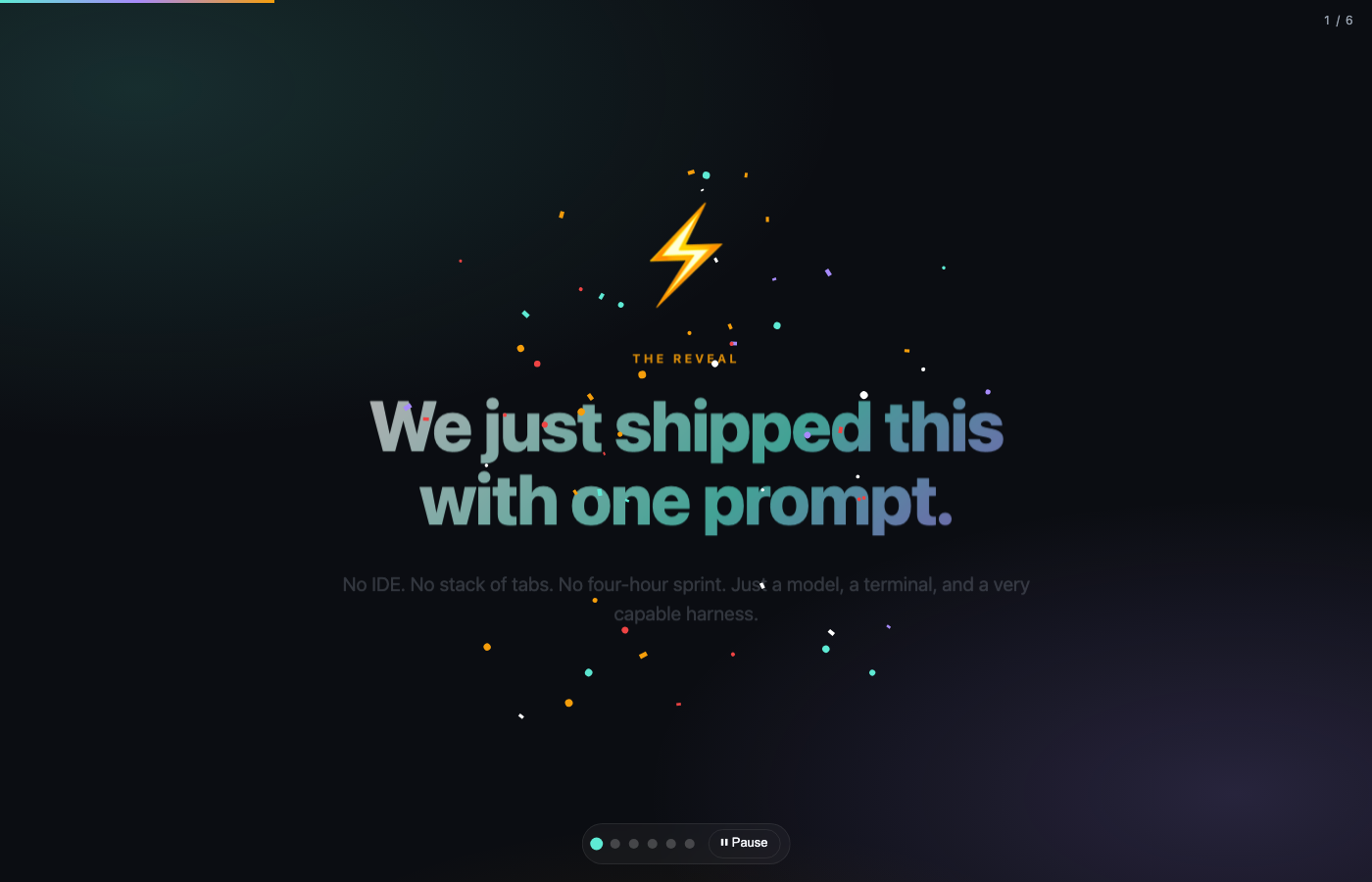
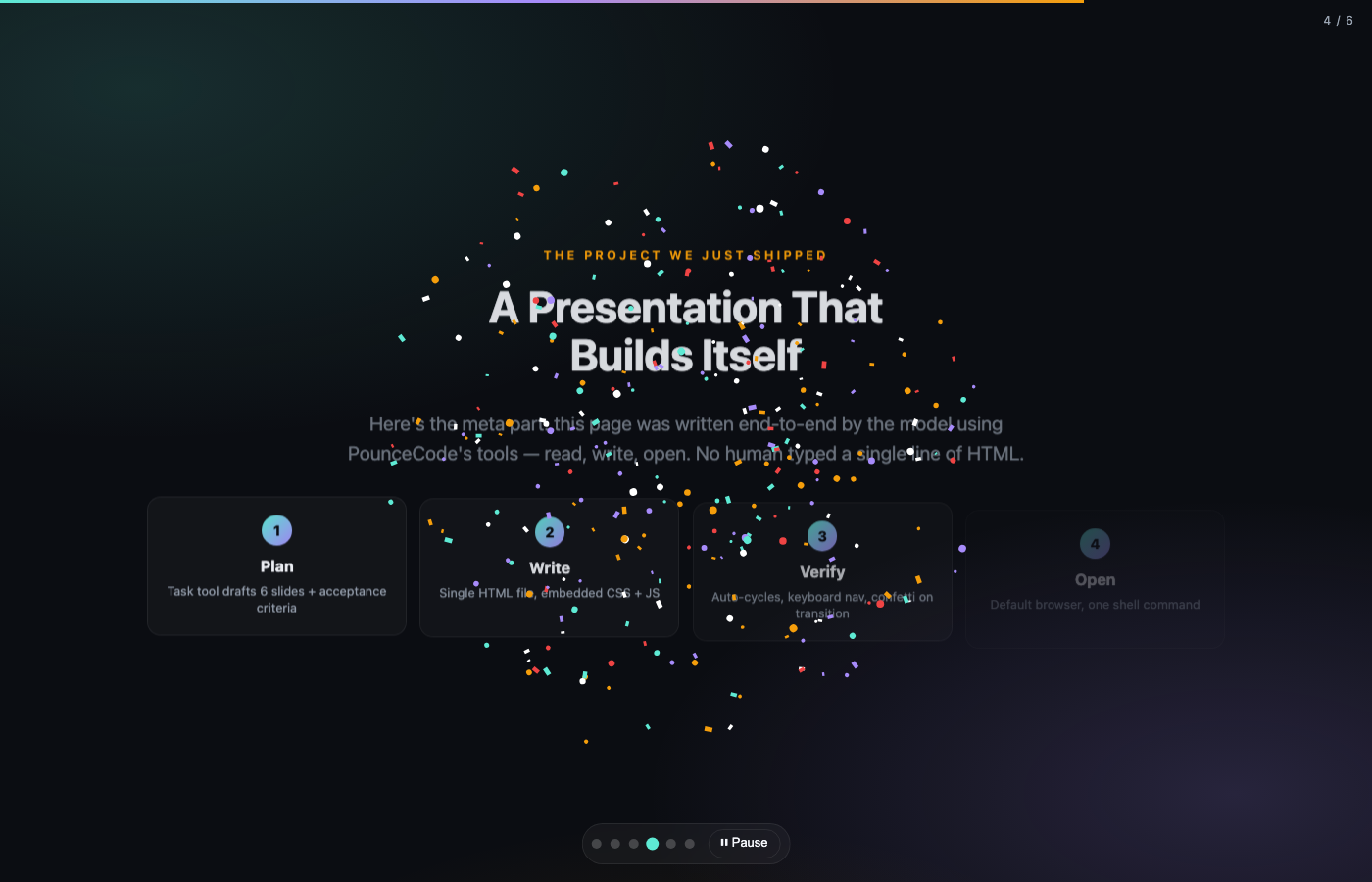
These are real artefacts, produced from a single prompt and rendered here exactly as they came out — no touch-ups.

Install
brew tap pounceapps/tap && brew install --cask pouncecode
Ships the desktop app and the pounce command-line tool together. macOS on Apple silicon, signed and notarized. Also on GitHub releases.
That is the actual output of that command against a 27B model running locally — not a mock-up. The same engine, profiles and tools as the desktop app.